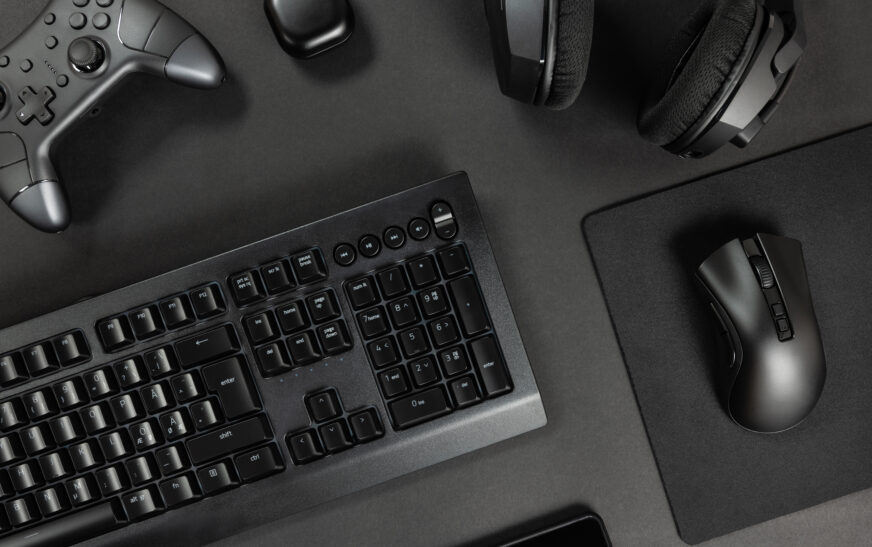
Building a new PC is fun and requires you to select many different parts – the CPU, motherboard, GPU, RAM, cooling systems and other components. But besides buying hardware for the core of your PC, you should think about accessories for it. This includes a keyboard, mouse, monitor, speakers and many more parts. We will tell you how to choose the best accessories to complement your new machine.
Understand Your Needs
The first step in finding the right accessories for your computer is understanding what your needs are. Are you a gamer that needs a fast keyboard with a huge amount of programmable keys? Are you a student spending countless hours reading and researching? The type of work you do with a PC influences what accessories are necessary to maximize your productivity.
Key Factors to Consider
When picking computer accessories, there are certain things to look out for to find the best ones. One of those things is ergonomics. Ergonomic accessories can prevent strain on your neck and hands, which allows you to use them for extended periods without being uncomfortable or feeling sick.
Compatibility is the next factor you have to consider when choosing accessories for your computer. All parts of your computer have to work together, so it is better to stick to accessories made specifically for your device. For example, Mac computers have very different accessories compared to Windows PCs.
Choosing the Right Keyboard
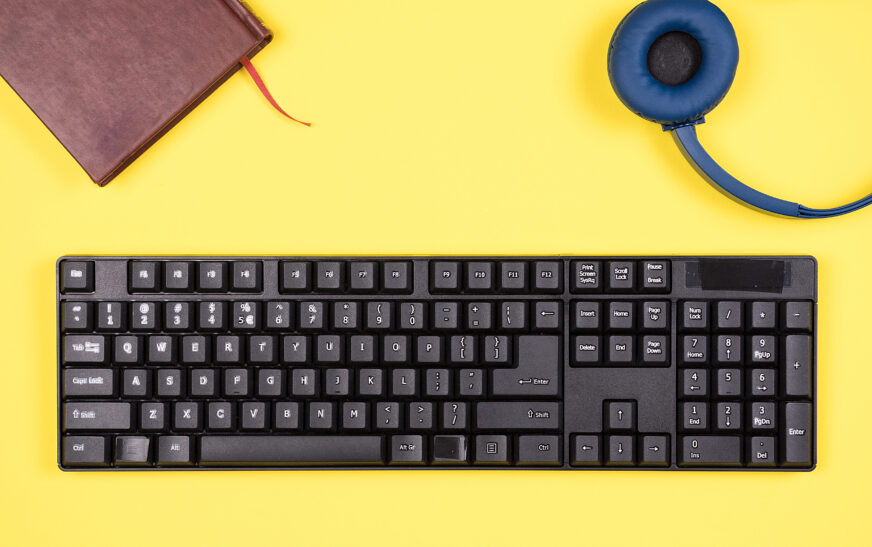
If you work on your PC for several hours per day, having the right keyboard is vital for your comfort. There are many different types of keyboards, including mechanical switches, membrane keys, and even optical ones. The choice between them is mostly personal preference, although some might suit you better than others.
There are plenty of great keyboards available, both membrane and mechanical. Popular models include the Logitech G512, Razer BlackWidow Chroma and WASD Code 104.
Selecting the Perfect Mouse
Mouse is another essential part of any computer that requires extra attention before purchase. There are many factors to take into account when looking at mice. For example, their DPI setting determines how sensitive they are to movement and how accurately they track it. Another important factor is the shape of the mouse – ergonomic or not. And, finally, some mice can be wired, while others are wireless. There are many different types of mice and you can find something to your liking among them.
One of the best gaming mice available currently is Logitech G502 Proteus Spectrum. It offers a high number of DPI settings and supports customization via special software.
Considering Monitor Options
Monitors play a vital role in your computer setup and determine your level of comfort while working. There are many types of monitors with various features, but there are some main differences. Monitors vary by size, resolution and refresh rates, as well as color accuracy and other technical details. All of those depend on your purposes and whether you need a monitor for everyday work or entertainment.
ASUS VG278Q is an affordable gaming monitor, whereas Acer Predator X34 is a high-end monitor with wide angles. There are other great monitors available for gamers like Alienware AW2718HF.
Choosing the Right Speakers
Computer speakers can enhance your entertainment experience and make your music sound amazing. However, when buying computer speakers, make sure to take several aspects into account. Speakers vary greatly depending on how many bands they reproduce and what their frequency response curve looks like. Besides that, it matters how powerful they are and how loudly they can operate without distortion.
Among great speakers we would like to highlight Logitech Z623 multimedia 2.1-channel speakers, Klipsch R-15M surround soundbook speakers, and Edifier R1280T multimedia speakers.
Other Essential Accessories
There are many accessories that could be useful when you use a PC. Among them are webcams, headphones, external hard drives and many more. You might need to buy some of these to complement your computer’s features and enhance your experience. For example, if you plan to record videos, you will need a great webcam, and a good pair of headphones could allow you to enjoy music. In this case, you should look for products with high-quality materials and advanced features.
Conclusion
Choosing accessories for your computer is important to make sure that everything works perfectly. There are many types of accessories for PCs, and your main task is to find the best one. There are multiple aspects to consider when buying accessories, but we have tried to cover the most essential