

With the development of technology, computers have become an integral part of the modern human life and are widely used on a daily basis. However, in order to enjoy the benefits of the computer for a long period of time, it is important to maintain its proper operation, which requires specific actions. The goal of this paper is to discuss different techniques to maintain one’s computer and the importance of such a procedure.
Maintenance of one’s computer is vital since it is the only way to guarantee its prolonged and efficient functioning. There are various reasons for which it is essential to provide regular maintenance of your computer. Firstly, regular cleaning and updating of your computer will allow avoiding such issues as overheating and problems with its operation. Secondly, it is easier to identify and solve certain problems when performing regular maintenance. As a result, it is necessary to regularly carry out cleaning of your computer and make sure that all its software is updated.
Preventing Dust Buildup
Dust is one of the main factors that may cause serious problems with the operation of your computer. Thus, in order to maintain its proper functioning, it is important to prevent dust buildup. In particular, it may cause overheating and malfunctioning of your computer and may force its shut-down. As a result, it is crucial to regularly clean your computer from dust accumulation.
For this purpose, you may use a can of compressed air to clean dust from the computer. In addition, you can use a soft brush and a cotton swab for cleaning. It is recommended not to use any liquids during this process to avoid damaging your computer and any other substances as well.
Cleaning Your Computer
In addition to preventing dust buildup, it is important to conduct cleaning of your computer. There are several types of cleaning that you should regularly perform. First, you should focus on cleaning the exterior surface of your computer. To conduct cleaning, it is necessary to use soft and dry cloths for removing any dust from the surface. In case of some stains, you may use a soft brush and compressed air for removing them. However, it is forbidden to use water for cleaning your computer since it may lead to its malfunctioning.
Secondly, you need to clean the interior of your computer. For this purpose, it is possible to open your computer and clean its internal components from dust using a brush. In addition, you need to make sure that there are no cables or anything else that could prevent heat removal. Finally, if you need to open your computer’s casing, then you should touch any metal objects in order to neutralize any possible static electricity.
Updating Your Operating System and Software
Software and your operating system play a central role in the proper functioning of your computer. Thus, in order to ensure that your computer operates well, it is essential to update its software on a regular basis. There are two methods to do this. First, you can enable automatic update for your software and operating system to get new versions regularly. Second, you may manually download and install updates using official websites of their producers.
In order to update the software, it is necessary to visit websites and find the latest version of the desired software. After downloading and installing the update, you may start using it immediately or be informed that you need to reboot your computer first. During the updating process, it is recommended to read any information provided by a producer.
Performing Disk Cleanups and Optimizations
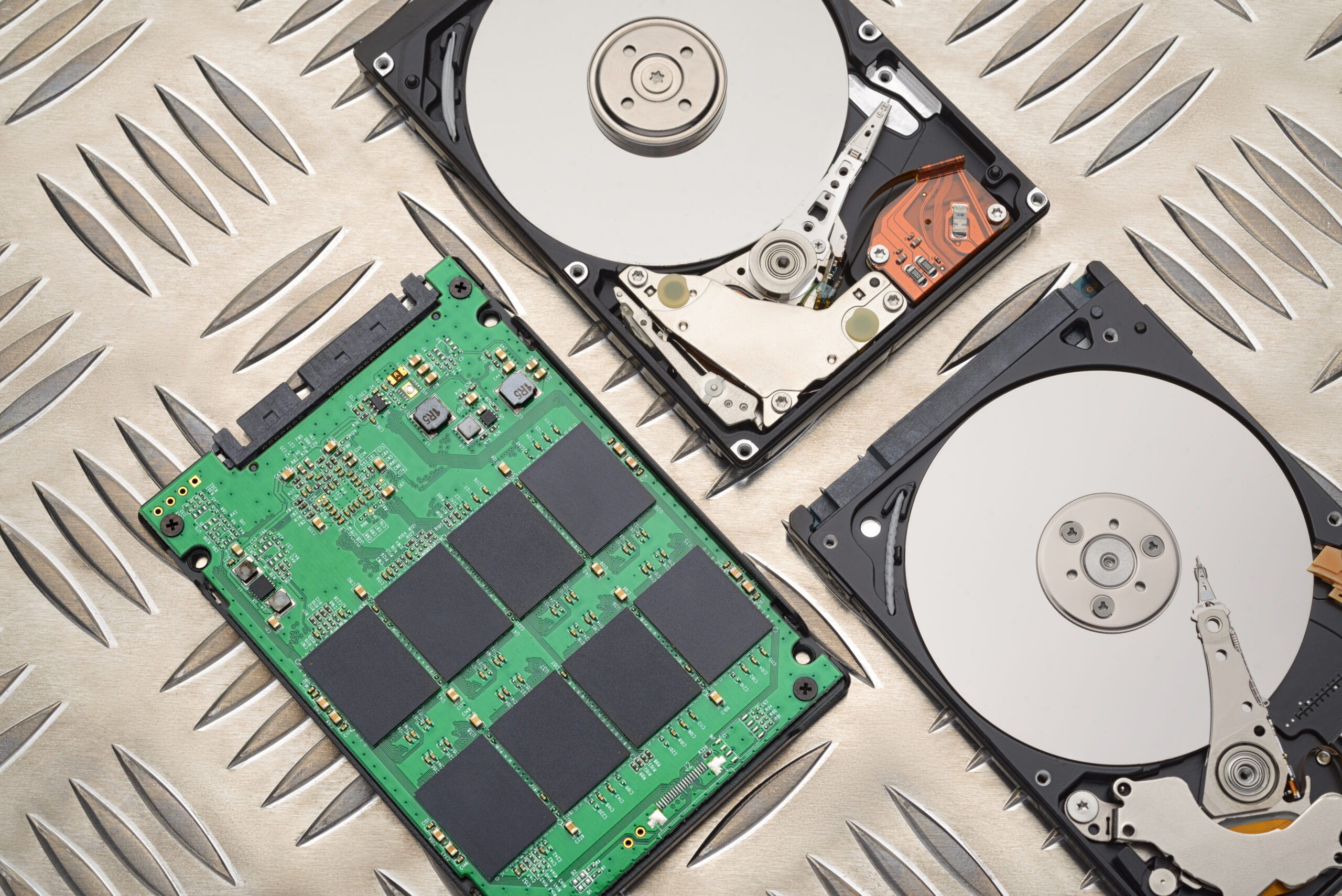
When you work with the computer, it stores a lot of files and generates system log files that may affect the overall operation of your computer. In this regard, disk cleanups are essential in order to remove unneeded files and thus save some space for your hard drive. For example, if you have a lot of applications installed, then you can find out that they occupy much space on your computer.
For this reason, it is possible to use such tools as a Disk Cleanup utility in Windows operating system. In addition, you can use other disk cleanup software offered online. When conducting disk cleanup, you should pay attention to system files and not delete those necessary for your computer operation.
In addition, you can also optimize your disks. It will significantly improve your computer’s performance and efficiency of its work.
Backing Up Your Data
Data loss is a problem that often occurs among people who operate computers. There are many reasons why it happens. Therefore, in order to protect your data, you need to regularly back them up using special software or clouds for storing the backed data. Moreover, backing up your data will help you restore them in case something goes wrong with your computer.
There are different ways to back up data. However, the best option would be automatic cloud-based backup that takes place regularly. For this purpose, you may use different websites that provide this opportunity, such as Google Drive, Dropbox, and OneDrive. However, you can also use external memory units for this purpose.
Troubleshooting Common Issues
Finally, troubleshooting common issues may be considered as an integral element of your computer maintenance routine. When experiencing some problems with your computer, you need to conduct their diagnosis and try to solve them independently. In order to identify the reason of the problem, you may use system logs provided by built-in tools such as Event Viewer in Windows and the Activity Monitor in macOS.
In addition, there are many other options for solving problems with your computer. For example, there are many useful sites online that may provide useful solutions for common problems. Also, you may purchase software that allows solving problems.
Conclusion
Regular maintenance of your computer plays an important role in its proper functioning. Thus, by cleaning your computer, updating your operating system and software, conducting disk cleanups and optimizations, backing up your data, and troubleshooting common issues, you can extend the life of your computer and enjoy working with it for a long period of time.