

To become a productive person, you need a laptop that allows you to work as fast and as efficient as possible. If you have a slow computer or if your laptop does not perform well anymore, this will definitely prevent you from doing your job properly. Fortunately, if you do something to change this situation, you will notice how much faster everything starts working. The main reason is that there are various ways to optimize laptop performance, and now you will learn how to do it effectively.
Identifying Problems
If you want to make something better, you need to find what causes problems and fix them. In order to optimize your laptop performance, you need to find out the main reasons why your computer is acting weird. It means that you have to check whether it needs some upgrades and whether your disk is overloaded with unnecessary information or not. So, here are the things you should do before starting to optimize your computer:
* Check software updates;
* Clean your disk from temporary files and logs;
* Check whether your computer has any viruses or system errors;
* Use special software to clean your system and make sure there is no problem.
If everything is good, you can start optimizing laptop performance.
Cleaning up Disk Space
When your laptop works poorly, there may be many different reasons why it happens. For example, disk space may become a serious issue, and therefore you should do something about it. Here are the things you should consider:
* Clean up all unnecessary files and documents;
* Uninstall all the software that you do not use;
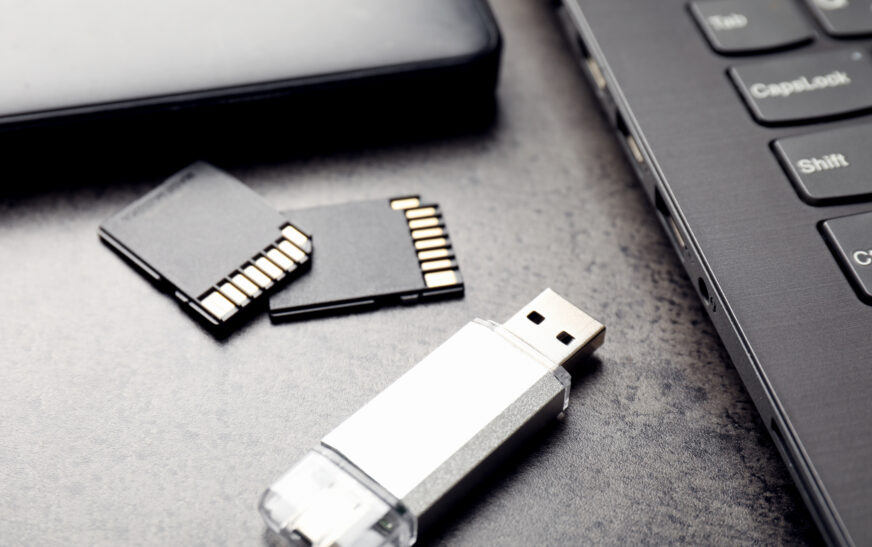
* Think about moving some information to an external disk or cloud services;
* Use special disk cleanup services.
This will allow you to make some improvements in terms of laptop performance.
Optimizing Browser Performance
When you use a computer every day, you definitely use your browser a lot. However, when your browser is not optimized, you can face a lot of problems, so it is important to do something about it. Here are some steps you should take in order to optimize the performance of your browser:
* Do not use too many tabs and windows;
* Disable unused extensions;
* Clean your browser history and clear cache.
You may try to switch to another browser because it could also increase the speed.
Upgrade Your Laptop Hardware
Sometimes it is really difficult to optimize laptop performance even if you try everything possible. In such a case, you can think about upgrading your laptop. You should consider buying a new model or replacing some parts with newer options:
* Check whether you can add more RAM to the computer;
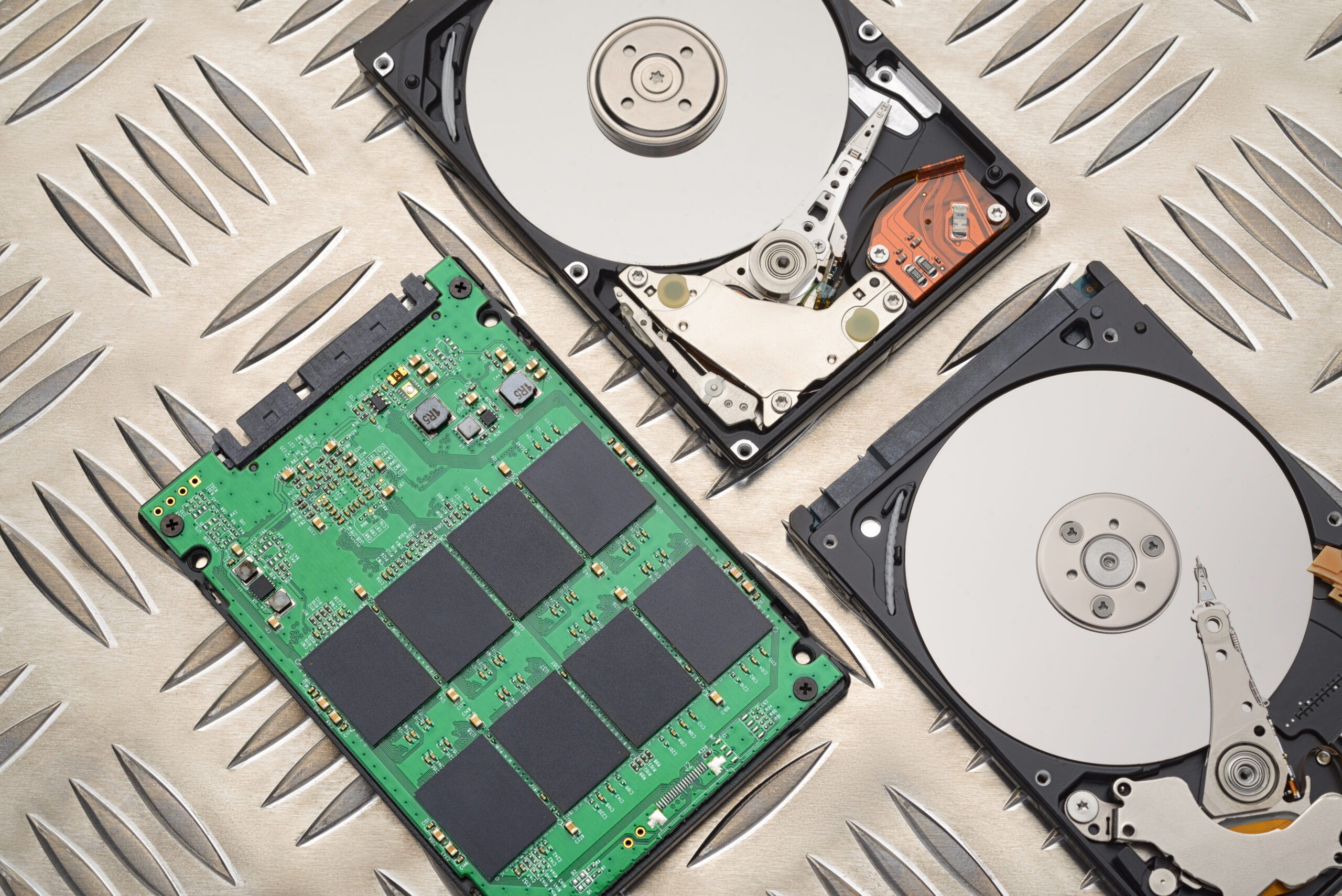
* Consider upgrading to SSD drive;
* Buy a new laptop if your current one is really outdated.
Upgrading hardware is definitely worth considering if your laptop starts to work poorly.
Configuring Power Settings
In order to make your laptop performance better, you can configure certain settings related to the amount of energy it uses. Here are some things you should pay attention to:
* Set optimal screen brightness;
* Turn off Wi-Fi and Bluetooth if you do not use them;
* Choose power saving option.
All of these will make your laptop run smoothly.
Laptop Maintenance
In order to optimize laptop performance, you need to take care of your computer and do something regularly. Here are some steps you need to take to keep your laptop in good condition:
* Install necessary software upgrades;
* Scan the computer for viruses;
* Run disk cleanup and system file checker.