

Have you ever experienced such frustration when you have worked on a very slow computer? There are several things that can affect your internet speed making it slower. Slow internet may negatively influence the efficiency and increase stress levels. However, there are multiple solutions to such an unpleasant problem that we are going to share.
How to Identify the Problem Leading to Poor Internet Connection
It is necessary to state that there may be multiple causes of the poor internet connection. These include outdated software, a computer’s overloaded hard drive, network issues, malware, etc. You are lucky because there are several ways how you can solve your problem and boost your internet speed. You will either call ISP’s support center or fix the issue yourself by changing certain settings.
Causes of Slow Internet
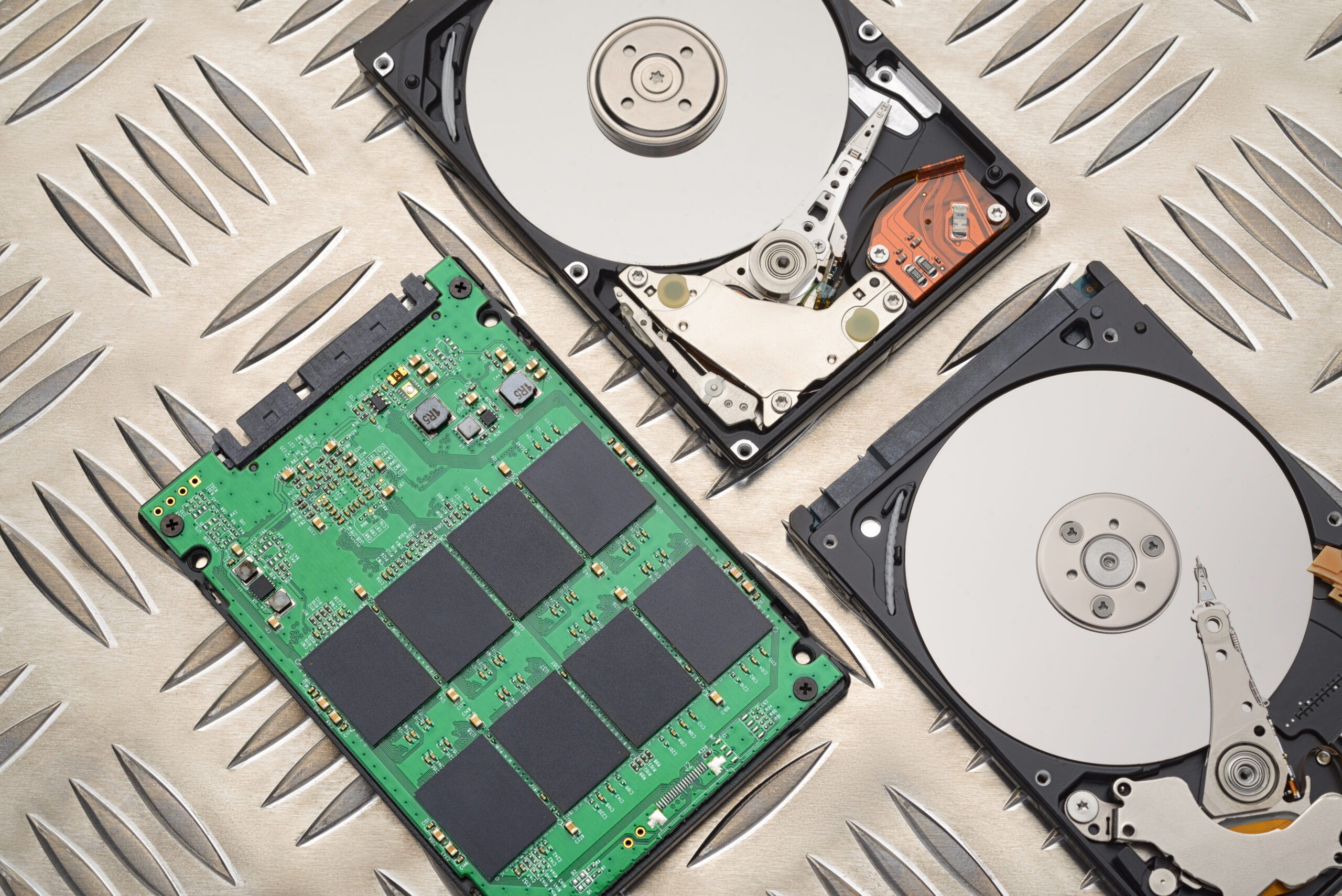
First, it is important to understand that your ISP may have certain technical difficulties. Then, the only thing you can do is contact ISP’s customer support services. However, sometimes the problem occurs in your software or/and hardware. It is vital to understand what needs to be upgraded or replaced. It may refer to your operating system or even a browser. What’s more, it is crucial to consider the state of your hard drive because in case it’s full, you have to delete unnecessary files to free up space. It’s recommended to empty the recycle bin and uninstall unused applications.
Measuring Internet Speed
Before you start taking measures, you must know your computer’s internet speed in order to choose a proper solution. There are several online sites where you can check your internet speed for free. Speedtest.net is one of them.
Follow these steps in order to determine your internet speed using SpeedTest.net website:
Step 1: Access SpeedTest.net
Step 2: Hit "Start Test" button
Step 3: Wait until your speed is calculated
Step 4: Compare your speed with the recommended by your ISP
Upgrade Your Browser and Operating System
The next thing you should do if you want to solve your problem is to update your operating system and browser. You may wonder how it affects your internet speed? Well, browsers help us to search for something on the internet, so they are the cause of internet speed decrease. Moreover, the role of an operating system is to provide your computer with stability.
Here are the instructions to upgrade your browser and OS:
Step 1: Open your browser and go to its settings
Step 2: Click on the link to check for an update
Step 3: Wait until it installs
Step 4: Restart your browser
For Windows user:
Step 1: Press Win key and open Settings
Step 2: Click on the Update & Security
Step 3: Choose "Check for updates"
Step 4: Wait until it installs
Step 5: Restart your computer
Run Virus Scan
Sometimes your computer is infected with malware or any types of viruses. Thus, slow internet may be the result of such a problem. It is highly recommended to check your device for any suspicious elements and delete them.
Here’s how to conduct a virus scan on your computer:
Step 1: Launch your antivirus software
Step 2: Find the scanning feature and use it
Step 3: Choose the type of scanning you’d like to perform
Step 4: Once the process of scanning is finished, look at the results and eliminate all the threats found
Disable Startup Programs
As we already mentioned, you should not underestimate the importance of your computer’s settings in order to solve this problem. It is very likely that you may face a problem caused by multiple startup programs. The thing you need to do is to disable them in order to get a faster internet connection and improve your computer’s efficiency.
These are the instructions on how to turn off startup programs:
Step 1: Press Win + R keys
Step 2: Type msconfig in the window and press Enter
Step 3: Go to the Startup tab
Step 4: Find all the startup programs and uncheck them
Step 5: Hit OK button
Clear Browser Cache and Cookies
You should also think about clearing your computer’s browser cache and cookies. These things occupy much space on your computer making its performance slower. Therefore, they should be cleaned up.
Step 1: Open your browser
Step 2: Find the settings menu
Step 3: Find the link to clear browsing data
Step 4: Choose the type of information you’d like to delete
Network Troubleshooting
Sometimes slow internet speed may be caused by certain network-related issues. Thus, you should conduct network troubleshooting. What does it mean? You need to ensure that your network connection is stable.
Follow these simple steps in order to conduct network troubleshooting:
Step 1: Make sure your network cables are plugged in and connected
Step 2: Turn your router and modem off and restart it
Step 3: Ensure your router and modem have no new versions and update them in case they have
Step 4: Purchase new devices in case you cannot solve this issue
Call ISP Support Center
In case none of the solutions mentioned above helped you to solve the issue, you should contact your ISP.