
There is something unique about getting into a world created by video games. The joy of playing games cannot be adequately described in words. Nevertheless, slow frame rates, lag, and glitches can easily make the experience a bit uncomfortable. If you want to enjoy gaming on your PC to the fullest, you have to make certain modifications. Below are the best tips and tricks that will help you boost gaming performance on your PC.
Hardware Upgrades
The first step towards enhancing your gaming performance is upgrading your hardware. It can involve replacing your graphics card, processor, RAM, or storage drive. Getting a good graphics card is critical for gaming. A good graphics card is capable of rendering complicated graphics and performing physics simulation smoothly. In case you want to buy a new graphics card, go for one that has many CUDA cores or Stream processors. CUDA cores and Stream processors perform complex computations and operations.
It is important to point out that the kind of graphics card that you choose should depend on your gaming preferences. You can settle for an average graphics card in case you are a casual gamer. However, if you want to play advanced games, then you will require to acquire a high-end graphics card. At the moment, among the best graphics cards for gaming are NVIDIA GeForce RTX 3080 and AMD Radeon RX 6800 XT.
Processor is another crucial element to consider in enhancing your gaming performance. Getting a good processor makes it easy for your computer to execute sophisticated tasks such as physics simulation and gaming performance. Hence, you will never face any lag. Ideally, when buying a new processor, choose one that is capable of executing several operations simultaneously. Some of the best processors for gaming are Intel Core i9-12900K and AMD Ryzen 9 5900X.
RAM is another element that determines the performance of your computer during gaming. A good RAM is needed for your PC to be able to run several applications. With adequate RAM, you will switch between applications without any delay. As a result, you will not experience any lag. It is recommended to purchase at least 16GB DDR4 RAM. Hardcore gamers may opt for 32GB or even more RAM.
Optimization of Graphics Settings
Another effective way of improving the gaming performance of your PC is optimizing your graphics settings. Graphics settings refer to several elements related to how games look and feel. For example, you can adjust settings such as resolution, frame rate, and texture quality. It will help you create the perfect balance between performance and visual quality.
First, you can improve your gaming performance by reducing your resolution. Low resolution implies there is little work for your graphics card. In other words, processing graphical content is easy with low resolution. As a result, you will have more frames per second and hence no lag.
Besides reducing your resolution, you can lower your frame rate to boost gaming performance. In this regard, your graphics card will have few tasks to perform. Hence, there will be no lag. However, it is important to remember that a balance should be maintained between performance and visual quality.
Finally, you can increase your texture quality to improve gaming performance. As mentioned earlier, balancing is key. Just like lowering frame rate and resolution, reducing texture quality means less work for your graphics card.
Closing Unnecessary Programs
Thirdly, you can boost your gaming performance on PC by closing all unnecessary programs. In this regard, your computer will use few system resources, ensuring efficient gaming performance. Remember that gaming involves intensive computing activities, requiring numerous resources. Hence, your PC must have enough system resources to undertake the process of gaming.
Before launching your game, it is recommended that you close all applications that are running. In addition to closing unnecessary applications, you can also disable background applications and services. This will enable your computer to solely concentrate on gaming.
Graphics Drivers Update
Fourth, another strategy of enhancing the gaming performance of your PC is updating graphics drivers. Graphics drivers refer to pieces of software used to control graphics card functions. Outdated graphics drivers can cause lag, glitches, and poor performance. Therefore, it is important to ensure that graphics drivers are updated.
Updating your graphics drivers is relatively simple. You only have to visit your graphics card manufacturer’s website and download latest graphics drivers. Alternatively, you can visit your device manager and update drivers manually. Updating graphics drivers gives you access to several advanced features and technologies.
Use of Solid-State Drive (SSD)
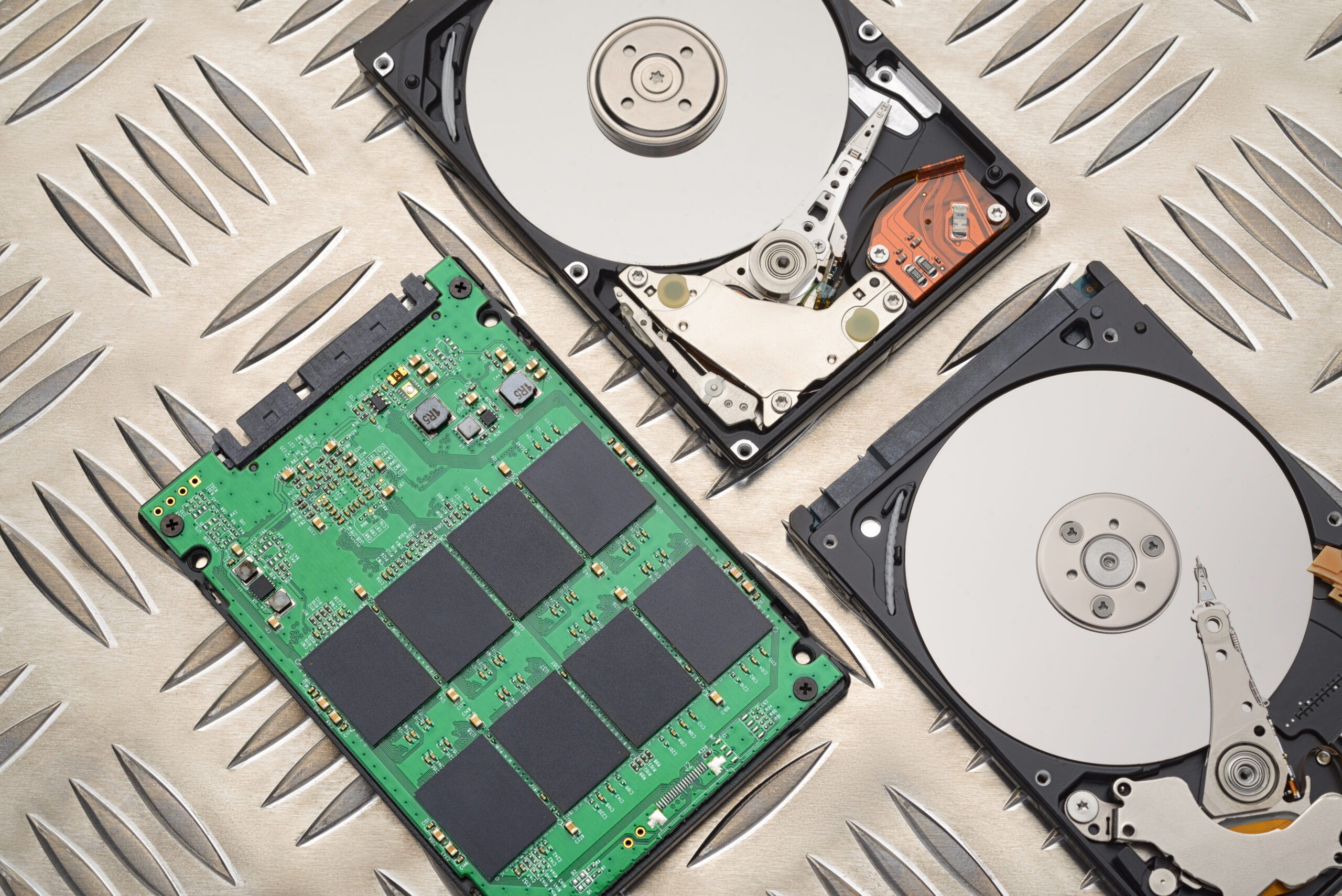
Fifth, improving gaming performance on your PC involves the use of solid-state drive (SSD). An SSD is faster and more efficient than conventional hard disk drive (HDD). As a result, games are loaded faster and your gaming performance improves greatly.
When buying a solid-state drive (SSD), it is wise to choose one specifically designed for gaming. In particular, the SSD that you acquire should have high reading and writing speeds. This is due to the fact that SSD performs intensive tasks such as loading games and saving progress. Some of the best solid-state drives for gaming are Samsung 970 EVO and WD Black SN750.
Cleaning Dust from Your PC
Finally, cleaning dust from your computer is the other method that can help you boost gaming performance. Dust accumulation on computer components causes overheating, slowing the performance of your computer. To maintain efficiency, it is recommended to clean your computer frequently.
While cleaning dust from your computer, certain precautionary measures should be taken. First, shut down your computer and unplug from the power supply. You should then use compressed air or soft brush to clean dust from computer parts. In no circumstances should water be used since it can damage your computer parts.
Conclusion
Improving your gaming performance involves making certain changes. First, you need to upgrade hardware such as graphics card, processor, RAM, and solid-state drive. Secondly, optimize graphics settings for the right balance between performance and visual quality. Third, before launching games, close unnecessary programs and disable background applications. Additionally, update graphics drivers and use solid-state drive (SSD). Lastly, clean dust from your computer regularly.