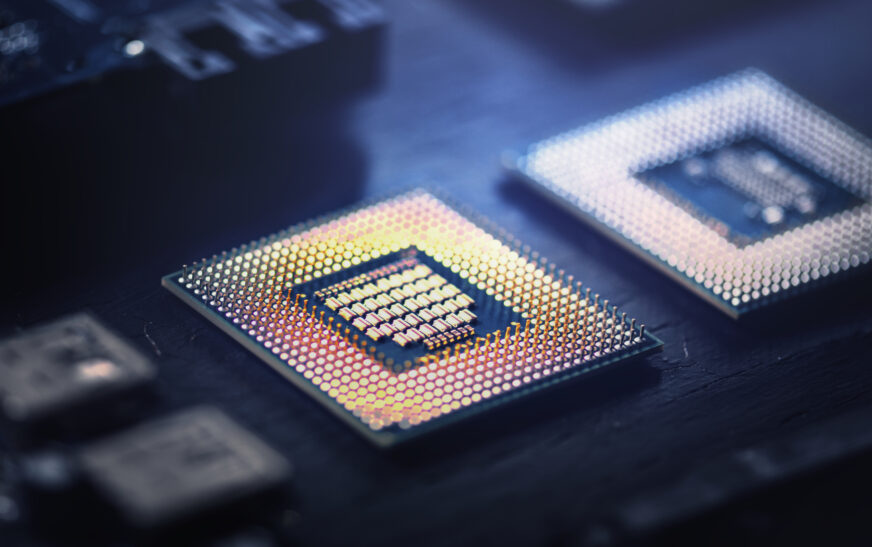
Computer processors, sometimes referred to as CPUs (Central Processing Units) are very important chips used in all computers. Being relatively small, a computer processor is responsible for executing most instructions that are sent to computers in the form of software applications or other information. There are numerous types of computer processors on today’s market and deciding which of them is going to serve your needs well might be quite a challenging task. In order to pick the right processor, it is necessary to consider your requirements first.
Determine Your Computing Needs
Before you start looking for a processor to buy, you should take your time to determine your computing needs. What do you need a computer to do? Is it going to be used mostly for web browsing, email correspondence, word processing, and other similar activities? Do you need a powerful machine to do some serious computations or even some video editing? Whatever it is, determining what you plan to do with your computer should be done before choosing a processor to put in it.
If you are a student or a professional whose job requires office activities only, you might want to buy a budget-friendly option with decent performance (clock speed should be around 2-3 GHz, while it should have dual- or quad-core). In case you need something more powerful to use, such as for video editing or gaming purposes, then you definitely would like to have a high-performance processor that works with high clock speed (4-5 GHz) and hexa-core or octa-core.
Different Types of Processors
Processors produced by various companies differ greatly and here are the main types of them:
Intel Processors
This company offers a variety of processors from budget-friendly solutions to top-class models. Intel processors offer high clock speed, efficiency in consuming power, as well as compatibility with many different software applications.
AMD Processors
This company produces processors ranging from budget-friendly to premium types. They feature high core counts and performance per dollar, as well as motherboard compatibility.
ARM Processors
Being a manufacturer based in the United Kingdom, ARM specializes in producing processors for mobile devices. ARM processors consume little power but perform tasks quickly and efficiently.
CPU Architectures
In addition to processor type and model, you can select a CPU architecture, which influences a lot the performance and efficiency. Most commonly used architectures include:
x86-64 Architecture
Designed by Intel and AMD companies, it is currently utilized in most computers (both laptops and PCs). This architecture provides a high performance, efficient power consumption, as well as compatibility with most kinds of software.
ARMv8 Architecture
This is a 64-bit architecture designed by ARM company. It is mainly used in mobile devices due to low power consumption and efficiency in completing tasks.
System-on-Chip (SoC) Architecture
It represents an architecture which features integrated components, such as processors, memory units, as well as input and output controllers, thus being able to perform many operations at once.
Key Features
While choosing a processor, you should pay attention to these characteristics:
Cores and Threads
They are indicators of how much multitasking ability your CPU has – more cores and threads equal more multitasking potential.
Clock Speed
It means the speed of performing calculations in gigahertz (GHz) – the more gigahertz there are, the faster your processor processes instructions.
Cache Memory
It is the small fast memory where the most frequently accessed data can be stored.
Integrated Graphics
These are built-in graphics modules inside the processor.
Choose the Right Computer Processor for Your Needs
Once you have determined your computing needs and considered types, architectures, and other characteristics of processors, you should make a selection. Here are the main things you should do to make the right choice:
Research and Compare
Before making a final decision, research processors and compare them. Try to read user reviews, expert reviews, and benchmarks to have enough data to make your own opinion about the performance and efficiency.
Consider Your Budget
It is very important to establish your budget and stick to it, because prices for computer processors can be quite diverse – from hundreds to thousands of dollars.
Consider Upgradeability
Sometimes you may need to upgrade your computer processor; in this case, think about future upgrades now when choosing a processor.
Consider Power Consumption
Higher power consumption usually means higher costs and increased heat, both of which may reduce longevity of your computer system.