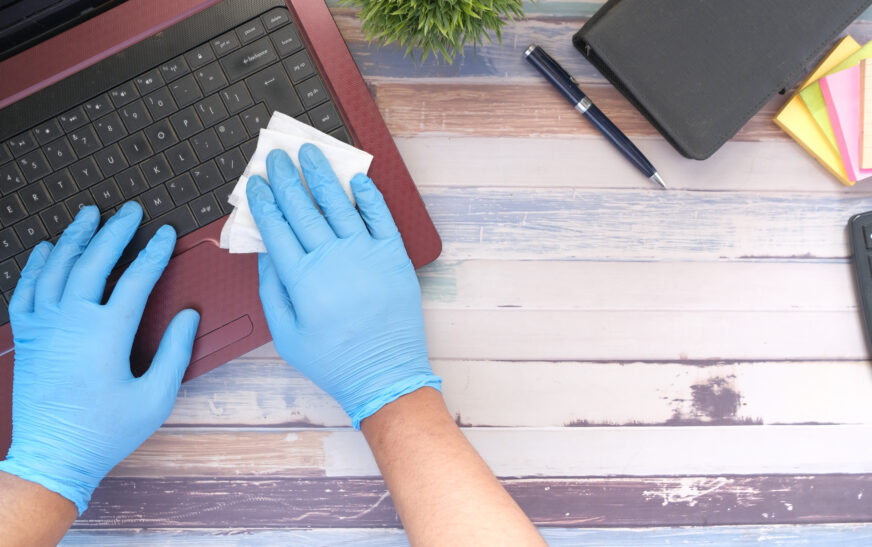
While there is always emphasis on upgrading software and performing regular disk cleanup operations on your computer, many people forget that the physical components should also be kept clean to avoid overheating, corrosion, and, eventually, the malfunction of the entire system. Therefore, cleaning computer hardware safely and efficiently is one of the essential measures to take care of your computer. This article aims at helping you learn how to clean computer hardware effectively.
Preparing for the Cleaning Process
Before you begin cleaning your computer hardware, you will need to gather the necessary tools and create a safe working environment. To clean your computer hardware, you will need a can of compressed air, a brush, a cotton swab, and a microfiber cloth. It is also important to read the manual of your device carefully to understand what should be paid special attention to while cleaning your computer hardware.
In addition to preparing all necessary tools, you will need to find yourself a suitable place where you can work without being disturbed. It should be well ventilated and free from other electronic devices. You should also be grounded because static electricity may harm your computer’s components. The best way to ground yourself is to touch something metal before starting the cleaning process.
Cleaning the Exterior
As you probably guess, cleaning the exterior of your computer is easier than cleaning the interior; however, it does not mean that you should not pay much attention to this stage. First of all, the exterior of your computer is exposed to dust, dirt, and fingerprints constantly. Using a soft, dry microfiber cloth, you will manage to clean your computer perfectly.
However, there are several things that you should bear in mind while cleaning your computer’s exterior. First, do not apply any cleaning agents such as alcohol or vinegar. They may damage your computer’s components and even affect its performance. Second, you should pay special attention to the ventilation holes when cleaning your computer. Try to remove dust from them to improve the cooling process.
Cleaning the Fans and Vents
Fans and vents play a pivotal role in the cooling process of your computer. However, they tend to accumulate dust and other harmful elements which decrease their performance and cause overheating. To clean fans and vents, you will require a can of compressed air and a soft-bristled brush. Start by removing the accumulated dust and debris from the vents. Then, blow out the remaining dirt with compressed air.
Remember that you should not spray the compressed air directly on your computer’s components. This action might cause serious damage. If you see that there are some spots which cannot be cleaned easily, you may try to clean them with a soft brush. However, it is highly recommended to seek professional assistance at this point.
Cleaning the Interior
Cleaning the interior of your computer is quite a challenging task. There are many components inside, and you should be very careful not to harm them during the cleaning process. As mentioned above, you should first ground yourself to prevent static electricity. Afterward, you will need to disassemble the computer and clean all major components one by one.
You will need to clean motherboard, graphics card, and RAM. For this purpose, you will need a can of compressed air and a soft-bristled brush. Take the components out and clean them thoroughly using compressed air. Do not forget that you should not touch them with your hands because your skin produces oils that might harm these components.
Cleaning the Power Supply
The power supply is a very important component, and its malfunctioning may cause serious problems. Therefore, you should always keep it clean and tidy. Like any other computer component, the power supply needs regular cleaning. To do this, you will need a can of compressed air and a brush. Start by removing all visible dirt and debris. Then, use the compressed air to clean remaining spots.
Do not forget that you should be very careful while cleaning your computer’s power supply. You should never touch it or any other components with your bare hands. Also, you should not use any liquid to clean the power supply or any other components. Otherwise, you may damage your computer.
Preventing Dust and Debris Buildup
The prevention of dust and debris accumulation is extremely important to keep your computer functioning properly. There are several ways to reduce the amount of dust and debris on your computer’s components.
* First, you may consider using a dust cover. When you are not using your computer, it will be better to cover it with a dust cover. This simple technique can help you prevent dust and debris accumulation.
* Second, try to keep your workspace clean. This measure can also significantly help you prevent dust and debris accumulation on your computer.