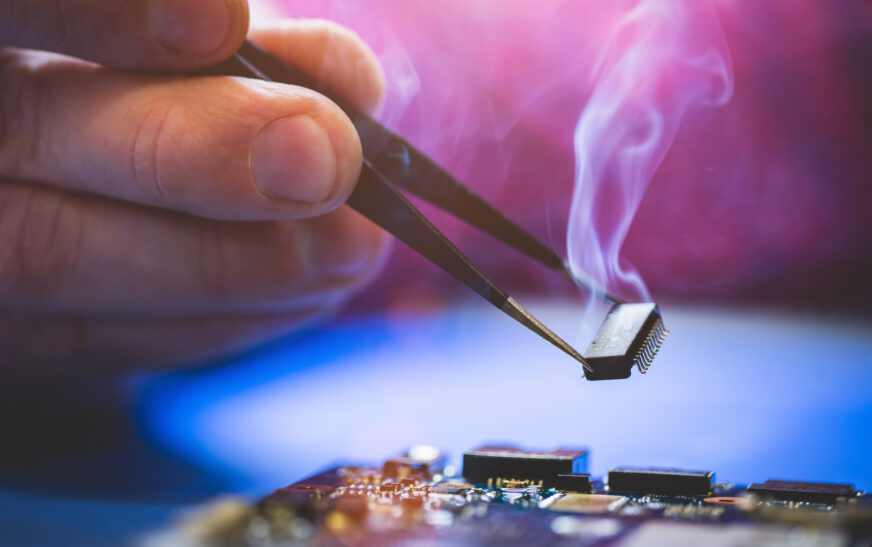
Modern devices that serve as our life organizers sometimes fail us and may overheat because of different reasons. It might happen owing to poor ventilation, software bugs, or hardware malfunction. If nothing is done to deal with the issue, your device will experience some internal damage, lose some of its functions, and finally stop operating. That’s why, in the article, we want to consider different factors that influence overheating and tips that will allow avoiding it.
Risks Associated with Overheating
Firstly, one should be aware of some risks associated with overheating. They are as follows:
– Reduced device performance. When overheating happens, your device slows down, starts freezing, etc., which prevents people from working;
– The second consequence of overheating can be data loss. In case when your device experiences a strong heat wave, it starts losing important information;
– Finally, overheating leads to a system failure, i.e., your device stops functioning.
Causes of Overheating
So, what factors can cause overheating? First of all, people tend to forget about providing their devices with necessary ventilation; however, if your device stays for a long time without airflow, it will experience overheating. Secondly, there are software bugs that may affect the functioning of the device and increase energy consumption and heat. Thirdly, if the hardware malfunctions, your device becomes prone to overheating. Lastly, there is also some application with excessive demands for resources.
Protection from Overheating
Now, let’s have a look at what steps we can take in order to protect ourselves and our devices from overheating.
Placing Devices in a Well-Ventilated Area
As it was mentioned above, lack of ventilation is one of the main reasons why our devices face overheating. In order to avoid this problem, it is highly advisable to place our devices in a well-ventilated space like a desk, or, better, purchase a cooling pad.
Upgrading Our Software
The next thing that influences the process of overheating is software bugs, so it is necessary to update the software and drivers installed. Regular updates ensure that our device is safe and free of bugs and other problems.
Buying Cooling Pad or Fan
Sometimes, a cooling pad or fan helps us to avoid problems connected with overheating. One has to find such a device that is appropriate for your type of the machine. Moreover, if you buy a cooling pad or fan, remember that it has to be compatible with your device.
Preventing Overclocking
Another factor that contributes to overheating is overclocking. Even if it increases the performance of your device, this process takes too much energy, which means that your device overheats. So, one should avoid overclocking of its machine.
Applying Thermal Paste or Grease
It is also possible to apply thermal paste or grease to your device. This material helps heat to escape your processor, which means that you will avoid overheating.
Cleaning Your Device from Dust
As it was mentioned above, the next reason for overheating is dust. In order to prevent the occurrence of overheating, it is highly advisable to clean your device from dust.
Monitoring Your Device
Moreover, one can monitor his/her device to check whether it overheats or not. There are plenty of programs that allow monitoring your device’s temperature and finding potential problems.
Other Advice for People
Finally, here are some more pieces of advice on how to avoid overheating:
– Do not put your device in a place where there is no airflow;
– Choose devices with cooling systems;
– Do not work with resource-consuming applications;
– Use power-saving mode of your device.
Conclusion
To sum it up, people face problems related to overheating of their devices quite often. As a result, they have to spend a lot of time and money to solve this problem. That’s why, we tried to provide some recommendations to avoid overheating of devices.