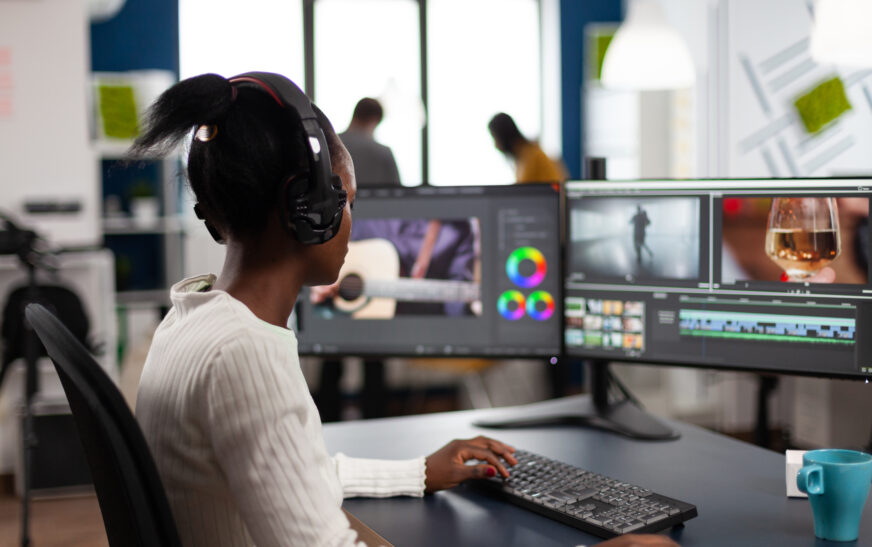
Introduction Today, video content rules everything around us. No matter whether you choose YouTube, Facebook, or Instagram, video content is a significant part of our lives. However, professional video editing software is expensive; it can cost hundreds or thousands of dollars. Fortunately, there are numerous free options that you can use to create great videos. In this paper, we will talk about some of the best free video editing software, techniques, and tips.
Choosing the Right Free Video Editing Software There are many free video editing software options available. Choosing the right one may depend on such aspects as skill level, purpose, desired outcomes, and more. Below is the list of some of the best options:
* OpenShot
* LightWorks
* Hitfilm Express
* Shotcut
As we see, each program has its advantages and disadvantages. Choose the one that meets your needs.
Basic Video Editing Techniques Once you pick the appropriate software, it is time to start editing your videos. Some of the basic video editing techniques you need to know about include:
* Importing media – the first thing you should do is import media files into your computer. Most video editing software lets you add media files;
* Trimming and splitting clips – once you import media, you have to edit your clips. It means editing them in order to remove unnecessary footage. Splitting involves organizing individual clips in the video;
* Adding transitions and effects – in order to improve the appearance of your video, you can add certain effects. Such effects include fades, pan/zoom, and freeze frame;
* Color correction and grading – in order to enhance the appearance of your video, you need to adjust its colors. The difference between corrections and grading is that correction improves quality while grading changes the color.
Advanced Video Editing Techniques Once you get the hang of the basics, it is time to learn some advanced video editing techniques. Here is the list of the most popular advanced techniques:
* Keyframe animation – using keyframes, you can make an animation in your video. This way, you specify exactly what point of making animation should take place within your clip;
* Multi-camera editing – if you are working with several cameras, multi-camera editing technique will come in handy;
* Visual effects – adding visual effects can significantly enhance your video’s appearance. The most common effects include motion blur, lighting effects, and image masking;
* Color grading – as mentioned above, correction improves the video quality while grading modifies it.
Tips for Getting the Most Out of Your Video Editing Experience Some great tips for improving your video editing experience include:
* Watching tutorials – learning tutorials and taking video editing classes will teach you some new tricks and tips;
* Practicing – you will learn how to improve your video editing skills by practicing and trying new techniques.
Joining communities – connecting to communities of other editors can provide useful information on video editing.
Taking breaks and staying organized – video editing is not an easy task. Taking regular breaks and keeping yourself organized can improve your productivity greatly.
Using Free Video Editing Software for Social Media Social networks like Instagram, Twitter, Facebook, and YouTube require constant activity in the form of uploading videos. Using free video editing software, you can create great videos and share them on social media. Some of the applications of video editing software on social media are as follows:
* Instagram stories – you can create awesome Instagram stories by using video editing software;
* Facebook videos – using video editing software, you can create amazing Facebook videos;
* Twitter videos – Twitter is a great place for posting short videos edited by the software;
* YouTube videos – creating great YouTube videos using free video editing software is very simple.
Using Free Video Editing Software for Business There are many opportunities of video editing software use for business purposes. Such uses include creating explainer, marketing, training, and event videos. Below is the list of uses:
* Explainer videos – using video editing software, you can create engaging videos to help people understand some business idea;
* Marketing videos – using professional-looking marketing videos made with free video editing software can help promote your business;
* Training videos – video editing software lets you create high-quality educational videos;
* Event videos – using video editing software, you can create videos of your company events.
Conclusion To sum up, the choice of the right video editing software lets us create great videos without spending a fortune. We can use free video editing software to improve our videos in multiple ways.